











I always wanted to get one of the original Steam Controllers, but by the time I’d started to pay attention to them. They were hard to find for a sensible price, and mostly looks over-used on eBay. So when Valve announced a new Steam Controller, I was straight on it.
For the bulk of my gaming, pre-PC, I was always on a controller, and have used/reviewed so many over the years I’ve lost count. So the prospect of something from Valve, the creator of my beloved Steam Deck was something I couldn’t pass-up.
All that said, it’s been an interesting experience getting adjusted to it, and I’ve remained largely critical as I’ve put the Steam Controller through it’s paces. So here’s the official, honest, independent Steam Controller Review.
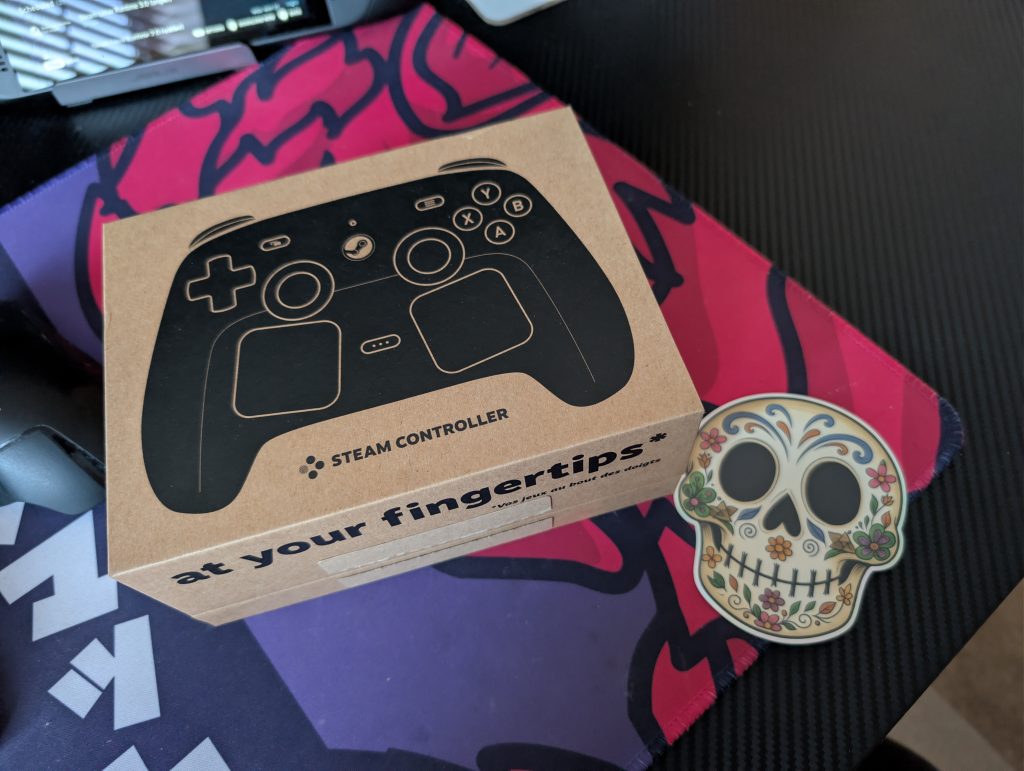
Design
At first glance, the new Steam Controller might look a bit bulky in press photos, but in the hands, it tells a completely different story. Measuring roughly 4.37 x 6.26 x 2.24 inches and weighing 292 grams, it is only slightly larger than a standard Xbox Wireless Controller.
Valve opted for the same premium, grippy matte finish found on the Steam Deck, which gives it an exceptionally premium tactile feel. It also raises my biggest gripe, in that it almost instantly makes my hands feel sweaty. It feels soft and sturdy, but compared to my LCD Steam Deck, the Steam Controller has taken so adjustment.
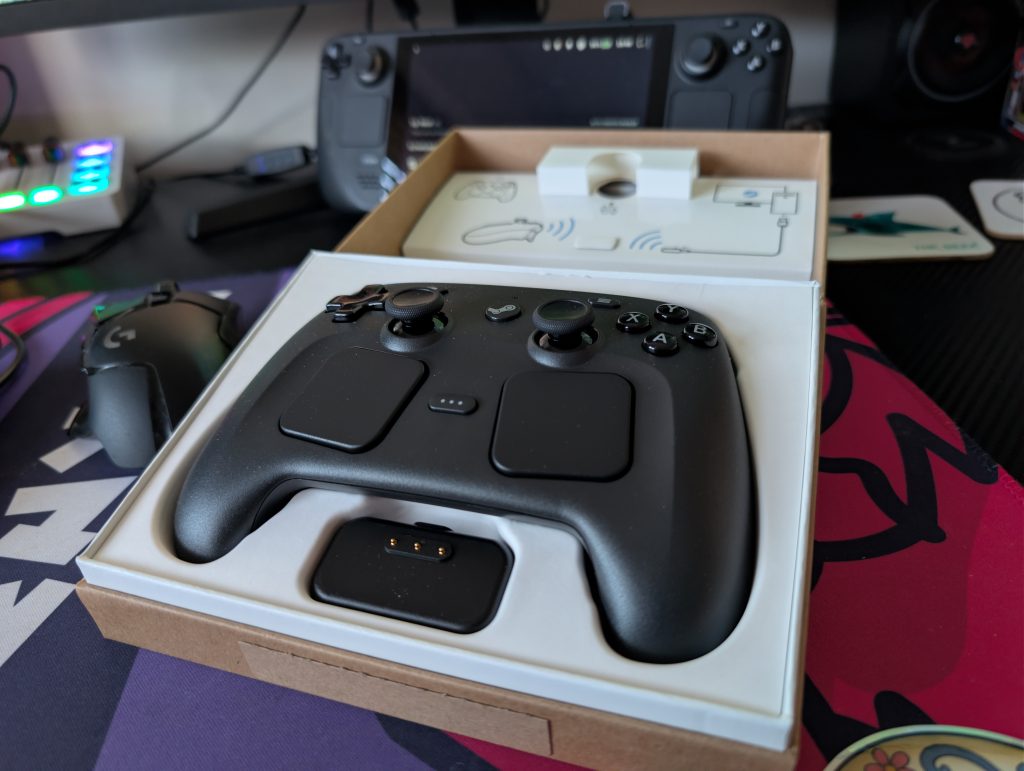
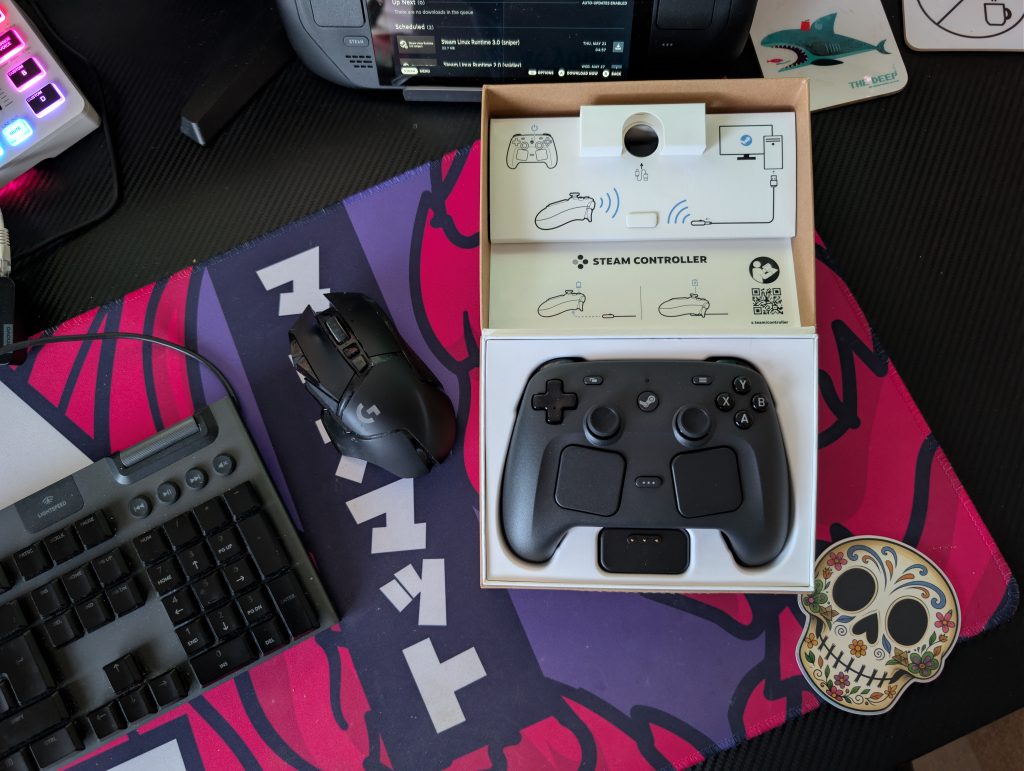
The layout splits the difference between the traditional and the avant-garde. The top half of the pad mimics an Xbox layout, complete with responsive face buttons, a d-pad, and importantly, TMR (Tunnel Magnetoresistance) magnetic thumb sticks that completely eliminate stick drift.
The bottom half expands outward to accommodate a pair of large, highly precise haptic touchpads like on the Steam Deck.
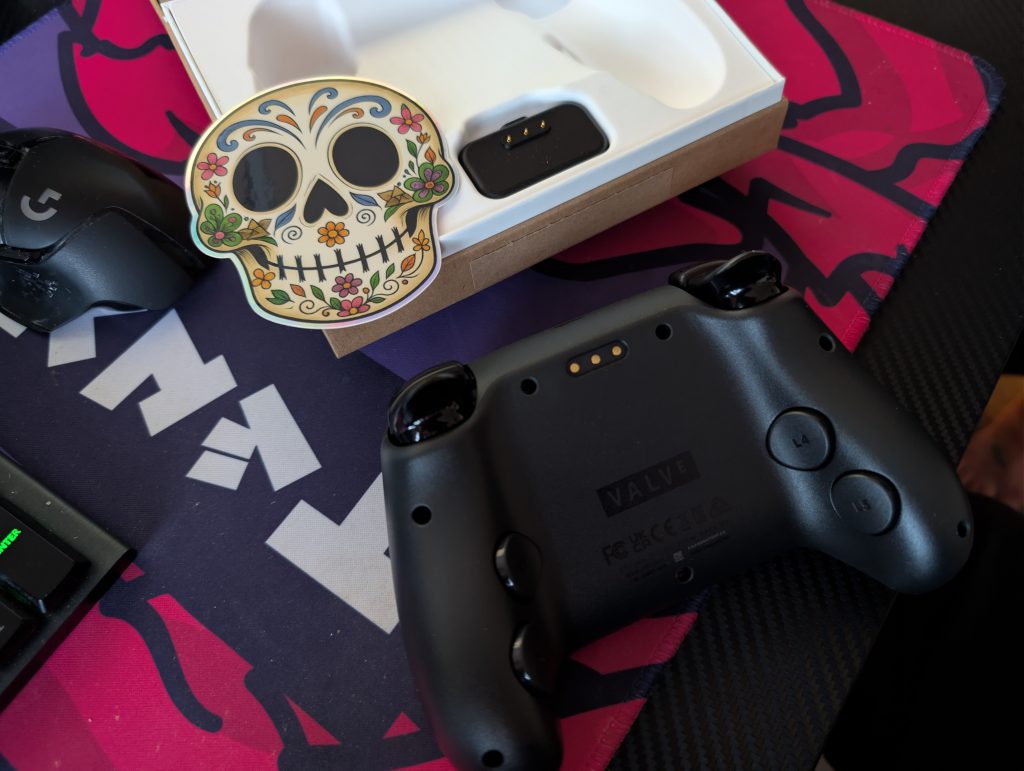
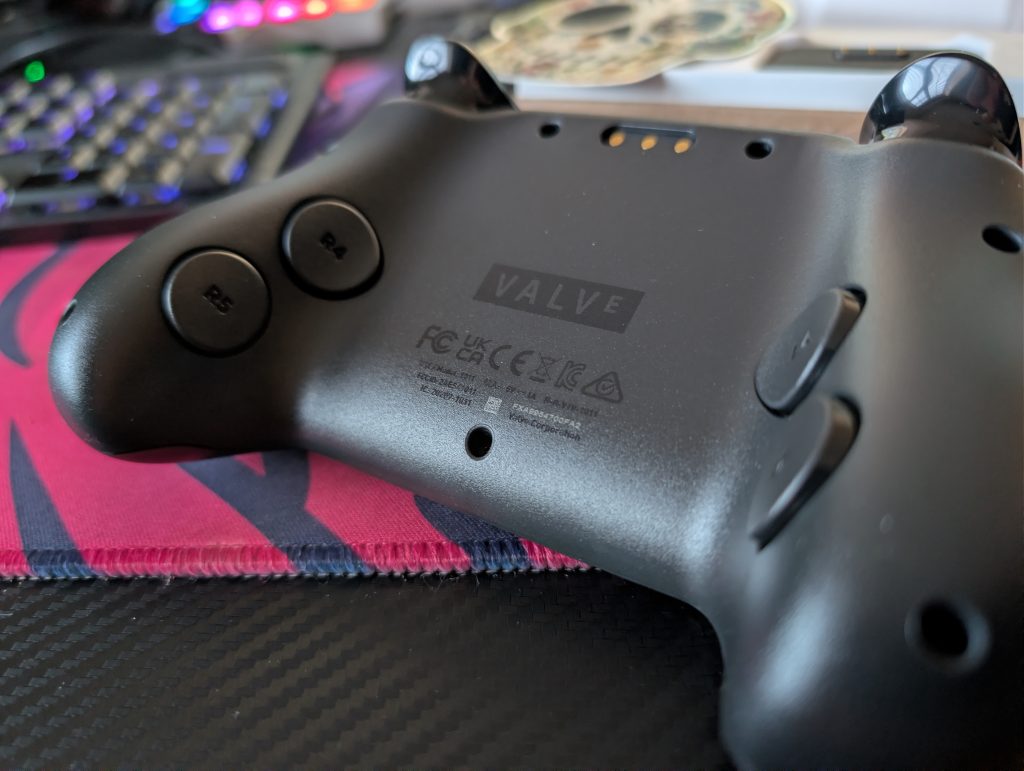
Flipping the controller over reveals four deeply integrated back buttons. Unlike bulkier pro-controller paddles, these buttons are completely flush and map perfectly to where your middle and ring fingers naturally rest. If you choose to ignore them, they don’t get in the way; if you use them, they offer a snappy, instantaneous response.
Connectivity and Charging
One of the slickest design wins here is the inclusion of the dedicated charging/pairing “puck.”
Instead of fumbling with USB-C cables at your desk or setting up bulky vertical docks, you simply place the controller on a low-profile magnetic puck. The puck connects to your PC or handheld via a 2.4GHz wireless connection, handling both seamless pairing and wireless charging at the same time.
If you’re taking the controller on the go, standard Bluetooth and USB-C wired connections are also fully supported. Battery life is rated at an impressive 35+ hours, meaning you’ll rarely find yourself tethered to a cable mid-session.
The puck means I can play on my PC (no Bluetooth card), with low-latency wireless connection. This alone is such a massive win, it outweighs slightly sweaty palms. The Steam Controller has mobilised me in a way I hadn’t allowed myself to be in my office.
Performance and Customization
When paired with SteamOS or the Steam desktop client, the controller truly shines. Because it lives directly within the Valve ecosystem, pairing is instantaneous.
Performance is flawless. The buttons feel incredibly crisp, and the dual haptic engines provide tight, nuanced physical feedback that vastly improves immersion.
But the controller’s true superpower is its integration with Steam Input. The level of customization on offer is unparalleled.
You can map the dual touchpads to emulate trackballs for RTS games, turn the TMR thumbsticks into ultra-precise steering wheels, or map complex keyboard macros directly to the four back buttons. For tinkering gamers, it’s absolute paradise.
Playing with it wirelessly through the Steam Link was amazing, too. I was now getting low-latency controller action on the living room TV, too. The Steam Controller can follow me wherever I go, which I love.
The Ecosystem Lock
Despite all of its triumphs, Valve has implemented one massive caveat: it only officially works with SteamOS and the Steam App.
If you are hoping to use this controller to native-launch games through the Epic Games Store, Xbox Game Pass for PC, or EA Play, you are out of luck unless you route those launchers directly through Steam as non-Steam games.
Furthermore, console players are completely locked out—this will not pair with your PlayStation 5 or Xbox Series X. At £100, buying an ecosystem-locked controller is a tough pill to swallow if Steam isn’t your primary gaming hub.
Overall
The 2026 Steam Controller is an awesome piece of hardware that seemingly corrects every single flaw of the 2015 original while retaining the high-concept customization that made it legendary.
If you are a dedicated PC gamer whose library is anchored in Steam, or if you regularly dock your Steam Deck to a TV, this is an absolute must-buy.
Its ergonomics, drift-proof magnetic sticks, and brilliant charging puck easily justify the price tag.
However, if your gaming habits are split across various PC launchers and home consoles, you’ll likely want to stick to a more universal, albeit less innovative, alternative.
The Steam Controller is my go-to for everything now, and it’s going to follow me wherever I go.
DAM, that’s excellent.