











Handheld gaming has fundamentally changed how we clear our backlogs, and Valve’s Steam Deck remains the gold standard for portable play. But when it comes to open-world voyages, dense ocean physics, and narrative point-and-click journeys, performance can vary wildly between absolute smooth sailing and total battery-draining disaster.
During Pirate Month, we’ve been using the Steam Deck more than ever, to try and keep up with the games we’re writing about. It seemed reasonable, then, to share the wealth, as it were.
What works well? What doesn’t? Portable pirate action can be a thing of joy. Here are our findings.
Like a Dragon: Pirate Yakuza in Hawaii
Ryu Ga Gotoku Studio knows how to optimise for scaling hardware, and Goro Majima’s ocean-faring spin-off is no exception. Running on the Dragon Engine, the visual fidelity on the Steam Deck’s screen is surprisingly sharp, capturing the vibrant neon and sun-drenched beaches of Hawaii beautifully, even if you will notice some minor pixelation if you look too closely at the backgrounds.
If you leave the game at its default Medium settings, you can expect an fluctuating frame rate hovering anywhere between 38 and 50 FPS while sprinting through the busy city streets. Interestingly, naval combat and stadium ship battles actually run slightly better, holding a cleaner line closer to 50 FPS. Battery life is standard for a heavy 3D title, pulling enough juice to deplete your Deck in roughly 1.5 to 2 hours on an LCD model, or closer to 2.5 hours on an OLED.
To get the most consistent experience, do not chase a full 60 FPS; lowering every setting to minimum makes the game look incredibly muddy without actually fixing the engine’s inherent city traversal stutters. Instead, set the graphics preset to Medium, turn on AMD FSR 3 set to Quality mode, and manually cap the Steam Deck’s refresh rate to 40Hz/40 FPS. This creates a perfectly smooth, frame-paced sweet spot that handles Majima’s chaotic brawler combat without sudden drops.
At just about halfway through the game, we’ve played most of it actually on the Steam Deck. It’s been butter-smooth and really made the fun of it more appealing.

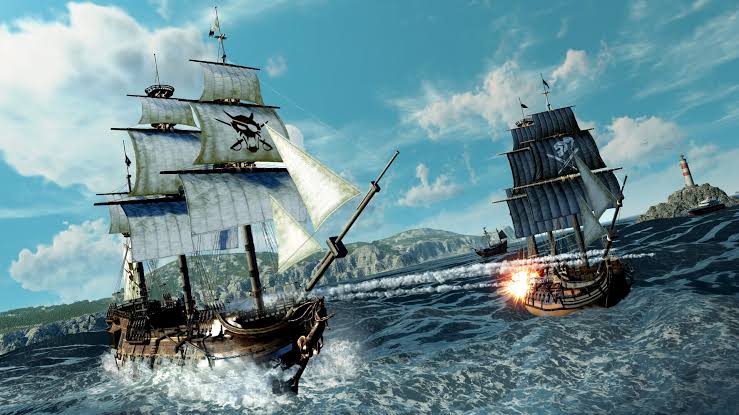
Sea of Thieves
Rare’s enduring multiplayer pirate sandbox is Steam Deck Verified, meaning it boots perfectly out of the box. The game’s stylized, painterly art style scales brilliantly to an 800p display. Water simulation—which is the absolute core of the visual experience—looks spectacular, and individual islands retain their lush, tropical atmosphere without requiring high-end desktop hardware.
Performance-wise, aiming for a locked 60 FPS is entirely possible on the Cursed (Low) or Common (Medium) graphic presets when you are sailing on the open ocean. However, dense outposts and chaotic skeleton fort battles will quickly drag those numbers down into the mid-40s. Total power draw sits around 18W to 22W, giving you roughly 1.5 to 2 hours of battery life.
The ideal setup for a reliable crew session is to mix your settings. Set model, texture, and animation quality to Rare (Medium), but drop shadow quality and particle effects to Common (Low). Crucially, change the water quality to Rare to keep the oceans looking crisp. Cap your performance profile at 45 FPS / 90Hz on the OLED, or 40 FPS on the LCD, ensuring your frame rate remains perfectly stable even when gunpowder barrels start exploding on deck.
Getting dailies and some quick, small treasure hunts done, or a quick run for the merchants, or perhaps some solitary fishing? This is a great way to go. The Steam Deck handles it wonderfully, and you can chip-away at your never-ending list of things to do.
Skull and Bones
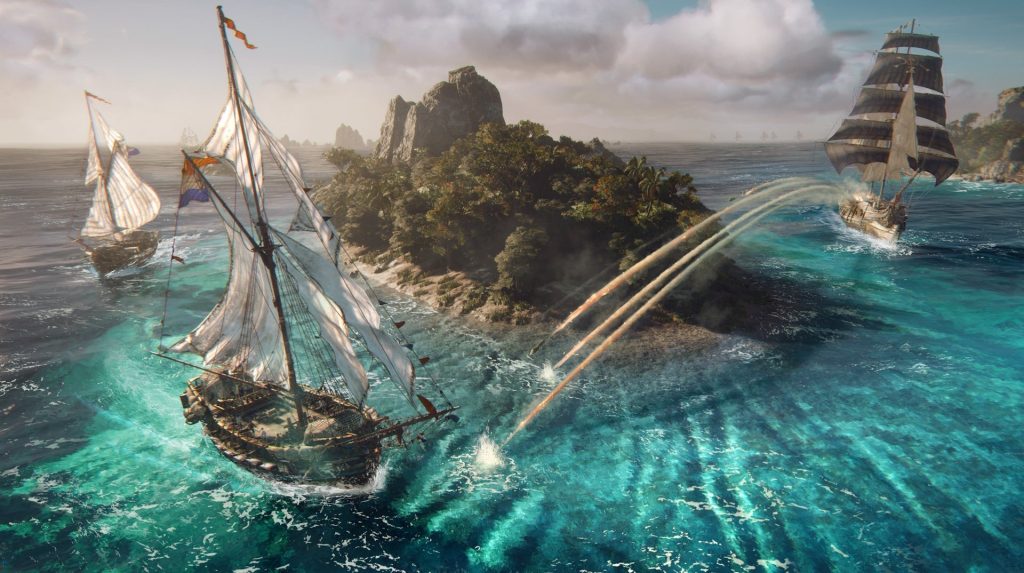
Ubisoft’s tactical naval combat game is a much heavier lift for the hardware. Because the game relies on modern rendering techniques and dense particle systems for storms and ship damage, achieving great graphical fidelity requires aggressive scaling. Textures can look somewhat soft on the 7-inch display, and you will notice visible UI pop-in and ghosting from heavy upscaling algorithms.
If you attempt to run the game natively, the hardware buckles, pushing out a sluggish 20 to 25 FPS. By dropping the game to its lowest graphical presets and leaning on heavy upscaling, you can claw your way up to a playable 30 to 35 FPS baseline. The trade-off is massive power consumption; the game pushes the APU to its absolute limit, drawing maximum wattage and draining the battery in just over an hour.
To keep this playable, set the overall graphics to Low, but keep textures at Medium so your ship’s sails don’t look like a blurry mess. Turn on AMD FSR and set it to Balanced. You will also want to force the Steam Deck’s internal system settings to cap the game strictly at 30 FPS.
Additionally, players using Proton often note that the Ubisoft Connect launcher can hang in the background after you exit, so make sure to hit the physical “Stop” button in your Steam library after a session to prevent unnecessary background battery drain.
It’s not really worth the effort, to be honest. Ubisoft Connect is always a bug bear on Steam Deck games, and whilst we’ve been having fun with Skull and Bones, we don’t feel compelled to suffer the process for the sake of a quick quest here and there. Stick to your PC or console with this one.
Assassin’s Creed Black Flag Resynced
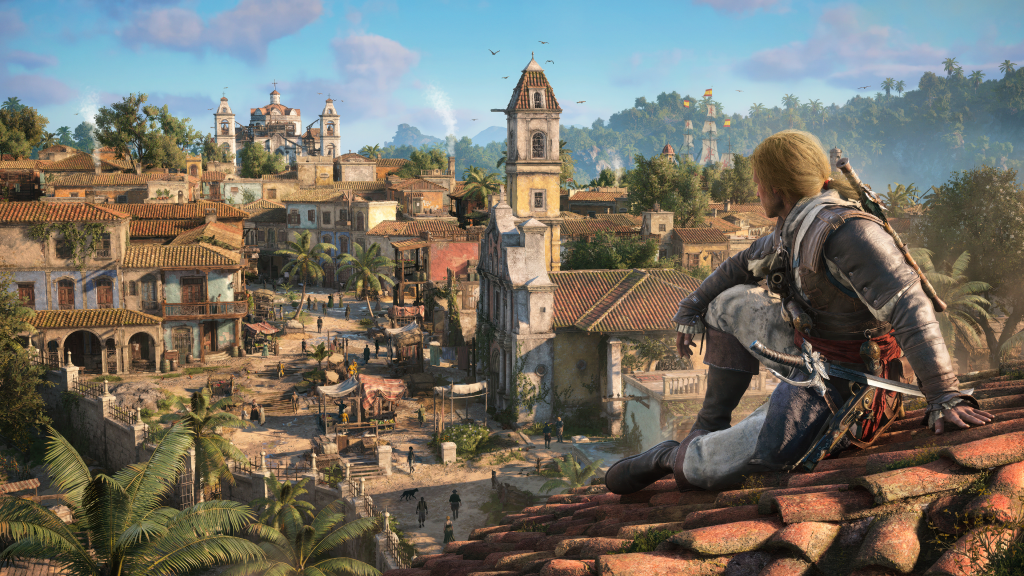
Built from the ground up on the modern Anvil engine, this full remake completely ditches the 2013 source code to deliver stellar modern visuals, complete with gorgeous physically based rendering and lush Caribbean jungles. On the handheld display, the visual leap is massive—but it comes at a steep cost to the hardware, making it one of the heaviest power hogs available. A full charge on an original LCD Deck will vanish in a brief 1 hour and 19 minutes, though OLED users can squeak out closer to 2 hours.
Performance is highly volatile if you don’t tweak the settings. Running the game on the native Handheld Low preset with standard TAA yields a choppy 28 FPS average, which frequently plummets into the low 20s when navigating the crowded marketplaces of Havana.
To stabilize Edward Kenway’s journey, change your upscaler type to AMD FSR and set the quality target to Balanced. While FSR Quality looks sharper on paper, Balanced is absolutely mandatory to maintain a solid 30 FPS performance floor in built-up towns. Pair this with a custom mix of Ultra High textures (as the Deck has plenty of VRAM to spare) alongside Medium screen space effects, Medium light sources, and Low ray-tracing options to keep the frame pacing uniform.
Black Flag Resynced is excellent, but don’t go expecting the optimal experience on the Steam Deck. It’s not worth the effort, to be honest. You want to experience it fully on your PC or console, for sure. It’s a stunning game and deserves a bigger screen.
Get the original game and play that on the Steam Deck. It’s a similar experience (without all the new bells and whistles!), but will run much better.

Return to Monkey Island
In stark contrast to the heavy 3D engines on this list, Ron Gilbert’s point-and-click adventure is a visual treat that runs flawlessly. The game’s distinctive, stylised 2D vector art style looks incredibly sharp and vibrant at the native 800p resolution, completely free of any blurriness or compression artefacts. Out of the box, the game effortlessly hits a flawless, silky-smooth 60 FPS without drops. It feels made for the Steam Deck.
However, the game suffers from an optimisation quirk: by default, the engine lacks a strict internal frame rate limit, forcing the system to peg a CPU core at 100% capacity. Left unchecked, this lightweight 2D game will pointlessly draw upwards of 20W of power, causing the internal fans to scream at maximum volume and draining your battery in less than two hours.
Fixing this is incredibly simple and turns the game into a legendary battery champion. Open the Steam Deck’s Quick Access Menu, navigate to the Performance tab, turn on the Thermal Power (TDP) Limit, and slide it down to its lowest possible value of 3W.
Next, manual lock the GPU clock frequency to 200MHz. Because the visual style is entirely flat 2D art, these massive power restrictions have zero impact on visual fidelity, keeping the game locked at a perfect 60 FPS while dropping the total power draw to a meagre 7W—stretching your total playtime out past the 5 or 6-hour mark.
It feels like the Steam Deck was made for games like this, and between retro games, indie games and modern, optimised classics. This is the sweet-spot, for sure.
Steam Deck fun!
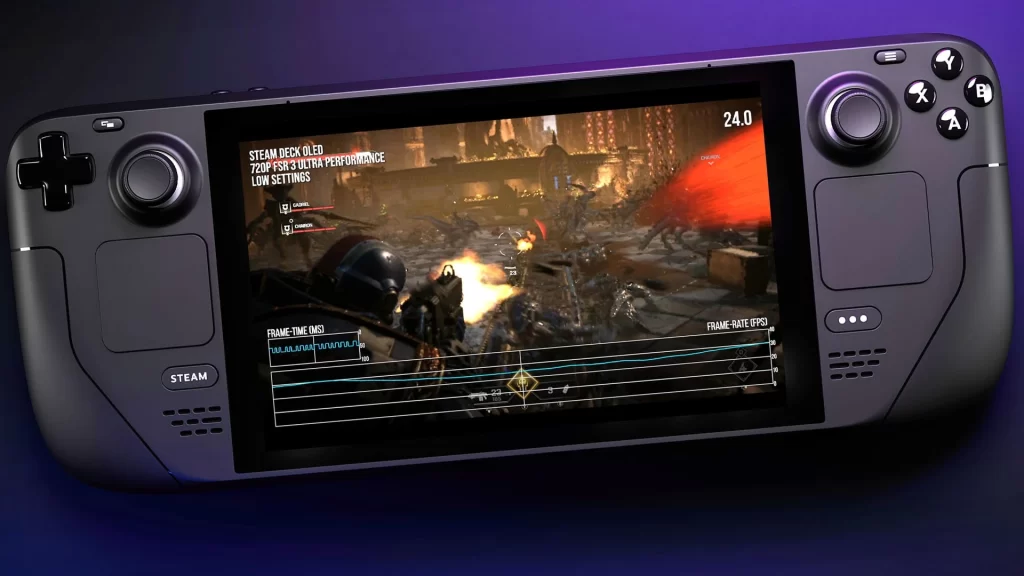
It’s kind of unbelievable that our classic LCD Steam Deck is still keeping up with games in 2026. Sure, it’s showing signs of hitting its limits, but there’s so much life left in it, it’s amazing.
Our Pirate Month gaming would have fallen apart without it, and it’s a core part of the dyingartmedia.com stable for getting to play games.
Getting to dive-into Sea of Thieves and Like a Dragon Pirate Yakuza in Hawaii, easily and progress from basically anywhere, is such a boon.
The prices have shot up, thanks to hardware costs and the state of the wider-world. But if you ever get chance to get one, take it. You’ll not regret it.